






Why Migrate to Odoo 19 and 20 Now?
25% maintenance fee
Once your Enterprise database falls outside Odoo’s covered versions, a 25% annual long-term support fee can apply.
Security support ends
Odoo provides standard support for each major version for three years. After that, standard security updates end, increasing the risk of staying on an outdated release.
Custom code ages too
Custom modules built several versions ago may depend on old APIs, fields, or logic. The longer you wait, the more there is to review, adapt, replace, or retire during migration.
Miss new Odoo features
New releases bring functionality, fixes, and platform improvements your current version does not receive. Upgrading gives the business access to them.
Third-party support drops
Apps and modules you rely on may stop supporting older Odoo versions, leaving you with fewer updates, fixes, and compatible options.
Workarounds keep growing
The longer you stay on an old version, the more manual fixes and temporary processes accumulate around its limitations.
Is Odoo’s Standard Upgrade Enough?
Odoo Standard Upgrade
Odoo’s official upgrade service (upgrade.odoo.com) converts your database to the target version. If you’re running a smaller Odoo setup with mostly standard modules, light configuration, and no critical customizations or integrations, that may be all you need.
Migration with SmartTek
Needed when you’re skipping several Odoo versions, running on-premises, or dealing with custom modules, legacy integrations, and undocumented code. At that point, the upgrade is no longer just a database conversion. The whole environment needs to be reviewed, adapted, tested, and prepared for production.
How We Handle Odoo Migration
Keep
It works, the business still uses it, and it’s compatible with the target version. We migrate it and verify it behaves the same.
Replace with native Odoo
Standard Odoo now covers the requirement. We drop the custom code instead of maintaining it for another four years.
Rebuild
Still needed, but not in its current form (usually because it was built around a limitation that no longer exists)
Retire
It exists because of a process, vendor, or workaround that’s gone. Nobody has used it in two years.
What We Migrate (and Optimize)
Business data
Customers, vendors, products, transactions, inventory, financial records, and historical documents your teams still need after the upgrade
Custom modules
Existing customizations adapted to the target Odoo version, including undocumented code inherited from previous vendors
Integrations
Banks, payment systems, marketplaces, logistics providers, CRMs, and other applications connected to your current Odoo setup
Workflows and automations
Approval flows, scheduled actions, notifications, automations, and custom business rules that support operations
Reports and documents
Custom reports, invoices, templates, labels, dashboards, and other documents your teams rely on in daily work
Infrastructure
Deployment setup, environments, backups, monitoring, hosting, and other infrastructure components in the migration scope
Odoo Migration Success Stories

Odoo Migration for School Operations
SmartTek migrated a customized Odoo system from version 13 to 17 while keeping the school’s…
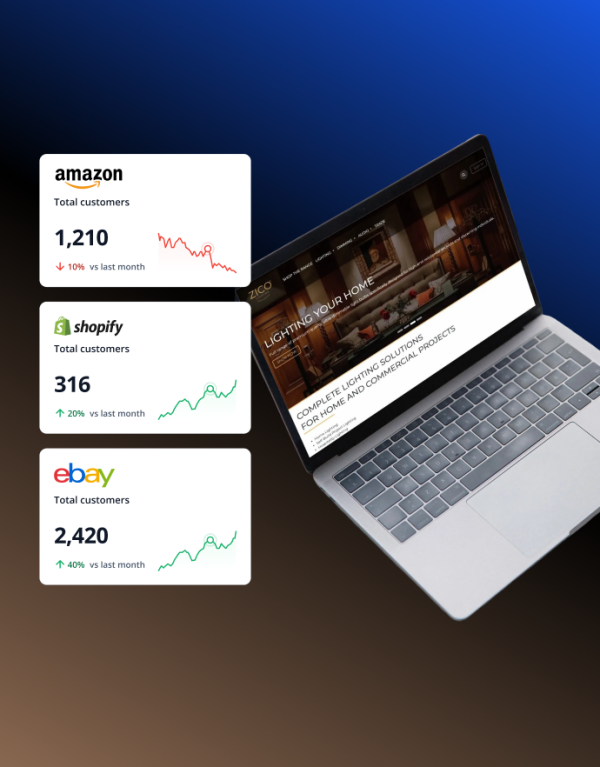
Odoo ERP Upgrade & Credit Management Automation
We supported Zico, a UK-based manufacturer of premium lighting solutions, in upgrading their Odoo system…
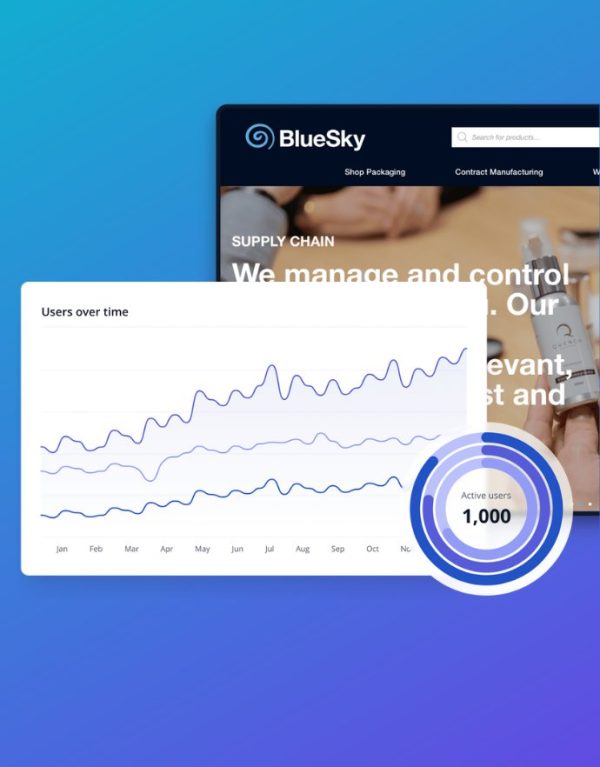
Bluesky Solutions
Bluesky Solutions is a UK packaging wholesaler and a care products manufacturer that wanted to…
Why Migrate with SmartTek?
We regularly take over Odoo environments built by previous vendors, including undocumented custom modules and integrations. We trace how the setup works, identify what the business still depends on, and build the migration plan around the real system.

We do not move every customization by default. Each module, workflow, and integration is reviewed first: keep what still creates value, replace what Odoo now handles natively, rebuild what still matters, and retire what no longer does.

A successful database upgrade does not guarantee that invoicing, payroll, approvals, or integrations still work under real load. We test the business flows that matter before launch and stay involved afterward, when production use reveals issues staging cannot always reproduce.
Hear From Our Clients


